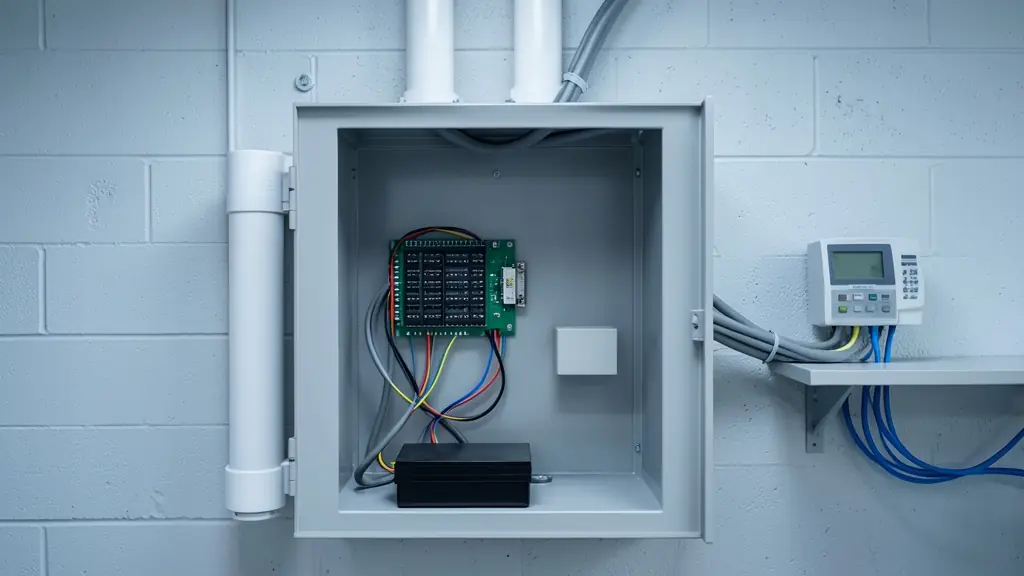
Every door on a site asks the same three questions: who is this, may they come in here, and may they come in now? An access control system answers them in a fraction of a second and writes the answer down. The reader collects a finger, a face, a card or a PIN, the door controller checks it against its rules, and the lock either releases or stays shut. Done well, you can take a leaver off every door with one click and see who was in the stores at 02:00.
The parts, from the wall to the software
- Reader: fingerprint, face, card, PIN or a combination; an exit reader inside can log people out. See biometric access control for the biometric options.
- Door controller: the brain, usually in a locked box above the ceiling or in a plant room. Many run 1, 2 or 4 doors and keep working offline.
- Lock: a maglock, an electric strike in the frame, or a motor lock in the door.
- Exit devices: a request to exit button and a green break glass unit on the inside.
- Door contact: tells the system the door is really shut, so it can alarm on "door forced" or "door held open".
- Power supply and battery: keeps it all alive in load shedding.
- Software: users, groups, time zones, public holidays and reports.
Standalone, networked or cloud: which one fits
- If you have one or two doors and one person who manages them, a standalone reader that stores its own users is often enough.
- If you have several doors, shifts or more than a handful of staff, a networked system with controllers linked over TCP/IP lets you add or remove a person once for every door.
- If several branches or a remote owner need to see it, cloud managed software puts the user list and the reports in a browser, usually for a monthly fee. Ask what still works at the door when the internet is down.
- If the readers must talk securely to the controller, ask for OSDP over RS-485 rather than Wiegand, which is one way and easy to tap.
The rules that make it more than a door opener
Time zones say when each group may enter: cleaners from 17:00 to 20:00, the day shift from 05:30, managers any time. Anti-passback refuses a card that tries to enter twice without leaving, which stops one card being handed back through the fence. Interlocks keep one door shut until the next has closed, for a cash office or a clean room.
The same events can feed the alarm panel, release escape doors when the fire alarm sounds, and send clockings to the payroll package through time and attendance software.
How to scope it, door by door
- Walk the site and list every door, gate and turnstile you want controlled.
- For each, note what it is made of, which way it opens and whether it is an escape route.
- Decide who goes through it and at what hours.
- Pick the credential: finger, face, card or two together.
- Say how long it must run without mains power.
- Run the numbers through the access control planner and send that list with your request.
What to put in your request
- List every door with what it is made of
- Say who uses each door and at what hours
- Name the credential: finger, face or card
- Give the backup time you need in hours
- Ask for software licences and user count
Access Control Systems for homes, estates, offices, factories and schools
- Homes: a reader on the front door and the garage door, managed from one phone
- Estates, complexes and body corporates: the residents' pedestrian gate, the clubhouse and the pool on one user list
- Offices and practices: the front door, the server room and the stationery store on different rules
- Factories, warehouses and mines: staff entrances, the stores and the workshop with shifts and anti-passback
- Shops, restaurants and filling stations: the back door, the cash office and the delivery bay for staff only
- Schools, colleges and creches: the staff room, labs and admin block locked to staff during school hours
- Clinics, hospitals and pharmacies: the dispensary, the records room and the after hours entrance for clinic staff
- Farms, smallholdings and lodges: the chemical store, the workshop and the pack house on the workers' groups