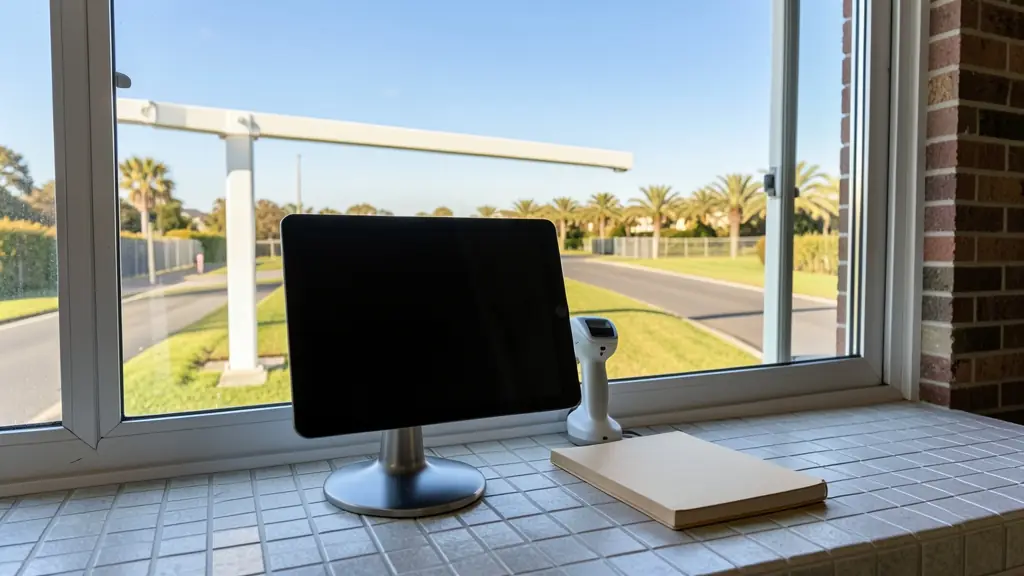
Ask a guard who signed in at 14:20 last Thursday and you will get a thick book, a smudged line and a name that might be anything. The paper register is slow at the boom, hard to read, impossible to search and open on the counter for anyone to photograph. A visitor management system records each visit properly: who came, who they visited, which vehicle, when they arrived and when they left. It also lets residents and hosts register guests in advance, which shortens the queue at the guardhouse.
What the paper register gets wrong
- Queue at the boom: each visitor writes name, unit, phone and plate by hand while cars stack up into the street.
- Made up details: nobody checks the name written against an ID, so the record proves little after an incident.
- No sign out: you cannot tell who is still on site at 18:00 or during an evacuation.
- Open to anyone: every visitor can read the names and numbers above their line, which sits badly with POPIA.
- Impossible to search: finding one contractor's visits over three months means paging through old books.
A visit, from invitation to sign out
- The resident or host registers the guest on an app or web page and the system sends a PIN or QR code.
- At the gate the guard or a kiosk scans the code, and the boom or the pedestrian gate opens.
- Walk ins are checked with the host by intercom or app before entry.
- Optionally the guard scans the driver's licence card or the vehicle licence disc, and a number plate camera logs the plate.
- An office visitor gets a printed or reusable badge and the host gets a message.
- The visitor signs out, or the code expires at the time set.
Contractors, inductions and evacuation lists
Regular contractors and domestic workers need something between a guest and a resident. Many systems issue a code or card valid only on set days and hours, linked to a time zone on the gate. At factories and mines the system can refuse entry until a contractor has watched the site induction and the paperwork is current.
Because everyone signs out, the system knows who is still on site. In a fire or evacuation the reception or guard can print or open the list of visitors and contractors inside and check them off at the assembly point. See estate access control and office access control for the gate and door side.
Scanning IDs and licence discs: the POPIA side
Scanning a driver's licence card or an ID collects personal information, and a camera that photographs faces may collect more. Collect only what you need, put a notice at the gate saying what is recorded and why, limit who can search and export the log, and set how long visits are kept before they are deleted.
Ask the supplier where the data is stored, who at their company can see it, and how a person's records are deleted on request. For your notice and retention period, ask a POPIA practitioner or your legal adviser. The biometric data and POPIA page covers the biometric side.
What to put in your request
- Say how many visitors arrive on a busy day
- List the gates, lanes and receptions
- Say if residents or hosts invite guests
- Ask how long visits are kept and deleted
- Ask to link it to the boom or intercom
Visitor Management Systems for homes, estates, offices, factories and schools
- Homes: rarely needed on one house, though a large property can use app invitations
- Estates, complexes and body corporates: residents invite guests by app and the guard scans codes at the visitors' lane
- Offices and practices: a reception kiosk that prints a badge and messages the host on arrival
- Factories, warehouses and mines: contractor induction, safety paperwork and truck drivers logged at the gate
- Shops, restaurants and filling stations: suppliers, merchandisers and contractors logged at the receiving door
- Schools, colleges and creches: parents and visitors signed in past reception with a badge during school hours
- Clinics, hospitals and pharmacies: after hours visitors and contractors logged at a clinic or old age home
- Farms, smallholdings and lodges: buyers, contractors and seasonal labour brokers logged at the farm gate