A card can be lent, a PIN can be shared and a remote can be cloned at the shopping centre. A finger or a face stays with its owner, which is the whole reason people move to biometrics. The reader is only one part of the job, though. Behind it sit a controller, a lock, an exit button, a battery and software. This page covers the reader types, where each fails, and what else goes on the quote.
What a biometric reader keeps, and what it does not
At enrolment the reader scans the finger or face and turns it into a template: a set of measurements, such as the positions of ridge endings and splits on a fingerprint. That template is stored, not a photograph. At the door a fresh scan is scored against it, and the door opens if the score clears the installer's threshold.
Two ways of matching matter for your choice. 1:1 verification checks you against one template after a card or PIN says who you claim to be. 1:N identification searches everyone enrolled, which gets slower and less forgiving as the list grows. The error rate calculator shows what the trade-off means in people a day.
Finger, face, palm, iris or a card: where each one fits
- Fingerprint: the most common and usually the cheapest. Weaker where hands are worn, dusty or wet. See fingerprint access control.
- Face: touchless and fast at walking pace; sun behind the person and hard hats are its enemies. See face recognition.
- Palm vein: reads the veins under the skin with near infrared, hard to fake and kind to worn hands, at a higher price.
- Iris: very accurate and more expensive, usually kept for a server room or a vault.
- Card or tag: still the fallback for visitors and anyone who cannot or will not enrol. See cards and tags.
The rest of the door, which costs as much as the reader
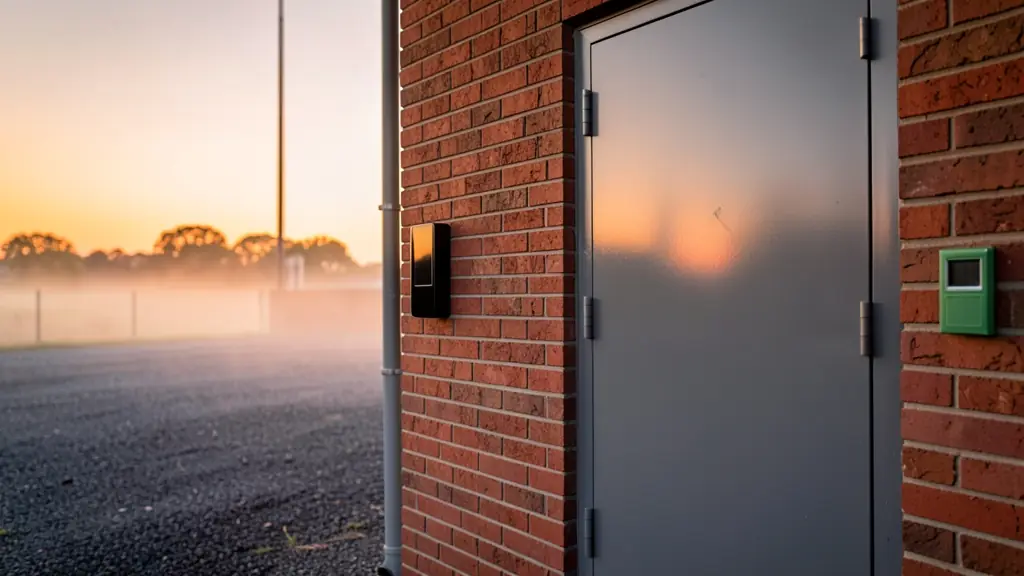
Each controlled door needs a lock (a maglock, an electric strike or a motor lock), a request to exit button inside, a green break glass unit on escape routes, a door contact so the system knows when the door is forced or held open, and a power supply with a battery for load shedding. A door controller decides who may pass and logs every event; readers should talk to it over OSDP, because Wiegand is easy to tap.
The access control planner lists the parts for your doors, and access control systems explains how they fit together.
Five questions to settle before you ask for quotes
- Which doors, gates or clocking points, and who uses each one?
- Are the users' hands or faces a problem: builders, farm workers, cleaners, staff in helmets?
- Must it record hours for payroll as well? If so, read biometric clocking.
- What happens in a power failure: should the door stay locked or release?
- Who will manage the user list and delete leavers?
Biometric data is special personal information under POPIA, so you need a lawful basis such as consent, a notice, secure storage and an alternative for people who refuse. Read biometric data and POPIA and ask a POPIA practitioner or your legal adviser for sign-off.
What to put in your request
- List every door or gate and who uses it
- Say which biometric you prefer and why
- Mention worn hands, helmets or bright sun
- Ask for backup hours in a power failure
- Ask how many users the software licenses
Biometric Access Control for homes, estates, offices, factories and schools
- Homes: a finger reader on the front or garage door so nobody hunts for keys or remotes
- Estates, complexes and body corporates: face or finger readers at the pedestrian gate so residents' tags cannot be cloned
- Offices and practices: staff open the front door and server room with a finger, visitors get a card
- Factories, warehouses and mines: biometric readers at the staff entrance and stores, with clocking from the same terminals
- Shops, restaurants and filling stations: the back door and cash office opening only for the manager and the shift supervisor
- Schools, colleges and creches: staff rooms, labs and the admin block opening for enrolled staff only
- Clinics, hospitals and pharmacies: a dispensary door that opens for two named pharmacists and logs every entry
- Farms, smallholdings and lodges: the pack house and the chemical store opening for enrolled workers and foremen