Payroll queries rarely come from the clocking terminal. They come from what happens after it: a night shift that crosses midnight and gets split over two days, overtime paid at the normal rate, a public holiday nobody set up, or leave typed into a spreadsheet that never reached the pay run. Time and attendance systems are the software layer that applies your rules to the clockings and hands payroll a clean set of hours. Here is how that works, what to configure first, and how to choose between cloud and on site software.
From the clocking to the payslip, step by step
- The terminal records a clocking: who, when and at which reader. See biometric clocking systems for the hardware.
- The software matches each clocking to the person's roster and shift.
- It pairs ins and outs, deducts breaks and rounds by your rules.
- It splits the hours into normal time, overtime, Sunday and public holiday time.
- It flags exceptions: a missing clock out, a late arrival, an absence with no leave captured.
- A supervisor fixes or approves the exceptions, with the change logged.
- The approved hours export to the payroll package for the period.
Rules to set up before the first pay run
- Shifts: fixed, rotating, and night shifts that cross midnight.
- Breaks: paid or unpaid, fixed or clocked.
- Overtime: when it starts and the rate agreed in your contracts or bargaining council agreement.
- Sundays and public holidays: the calendar loaded for the year and the rates that apply.
- Leave: annual, sick and family responsibility leave captured in the same system.
- Rounding and grace periods: written down and applied the same way to everyone.
The software applies what you configure; it does not know your agreements. Have your labour consultant or payroll person check the rules.
Cloud or software on your own server
Cloud software is usually priced per employee per month, updates itself, and lets a manager approve exceptions from a phone at another branch. It needs a working internet link at the terminals, or terminals that store clockings offline until the link returns.
On site software is often a once off licence on your own computer. It suits a single site with an IT person, but backups, updates and the database are your job. Either way you hold biometric and personal data, so read biometric data and POPIA and ask where the data is stored.
Field staff, farms and many small sites
Not everyone passes a wall terminal. Technicians, sales reps and security guards on client sites can clock on a phone app that records GPS position, sometimes with a selfie check. Set a radius around each site so a clocking from home is flagged.
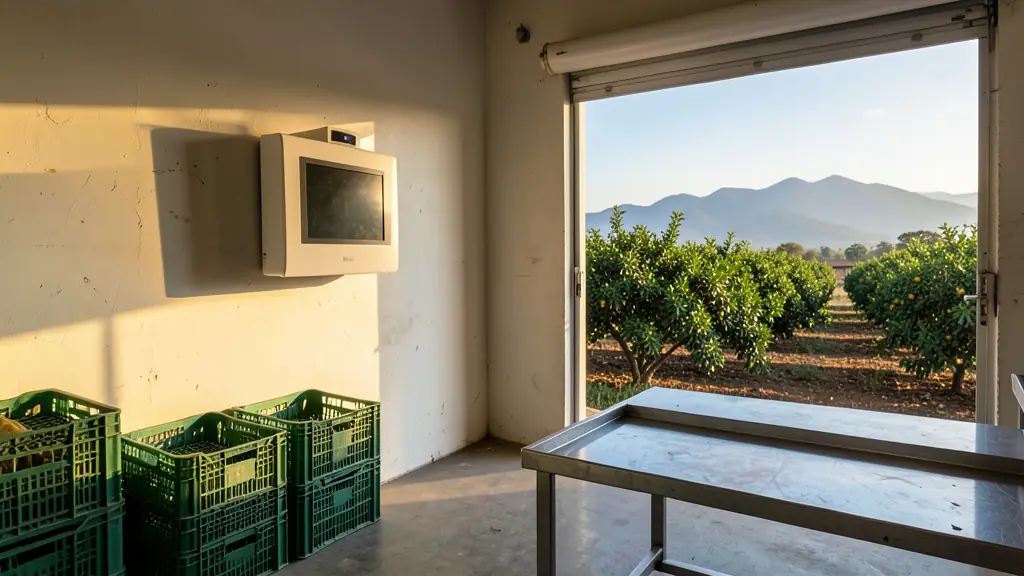
Farms often combine both: an outdoor terminal at the pack house for pickers and a phone for the foreman in the orchards. Offices that already have card or biometric readers on the doors can feed the same software; see office access control and access control systems.
What to put in your request
- Give the number of employees and sites
- Describe the shifts, including night shifts
- Say how overtime and Sundays are paid
- Name the payroll package and pay periods
- Say if field staff need mobile clocking
Time and Attendance Systems for homes, estates, offices, factories and schools
- Homes: seldom used, though some households log a domestic worker's hours on an app
- Estates, complexes and body corporates: tracking the estate's guards and garden staff on rosters across the week
- Offices and practices: flexi time, leave and overtime approvals for staff on cards or biometrics
- Factories, warehouses and mines: three shift rosters, overtime rates and exceptions before each weekly pay run
- Shops, restaurants and filling stations: trading hour rosters, Sunday and public holiday time across several branches
- Schools, colleges and creches: recording staff hours, leave and relief cover for teachers and support staff
- Clinics, hospitals and pharmacies: night shifts that cross midnight and overtime for nursing and support staff
- Farms, smallholdings and lodges: seasonal pickers at the pack house and foremen clocking on a phone in the field